Chat and tools
Instruction-tuned models expect chat messages rendered through a Jinja chat template. Tool use extends chat with function calls.
Adapted for this playbook from the 🤗 Transformers documentation by Hugging Face. Official page: https://huggingface.co/docs/transformers/conversations. Images © Hugging Face (
documentation-images) unless noted. This is not a substitute for the upstream docs — verify against the current version.Covers Hugging Face pages: conversations, chat_templating, chat_content_patterns, chat_templating_multimodal, chat_extras, chat_templating_writing, chat_response_parsing
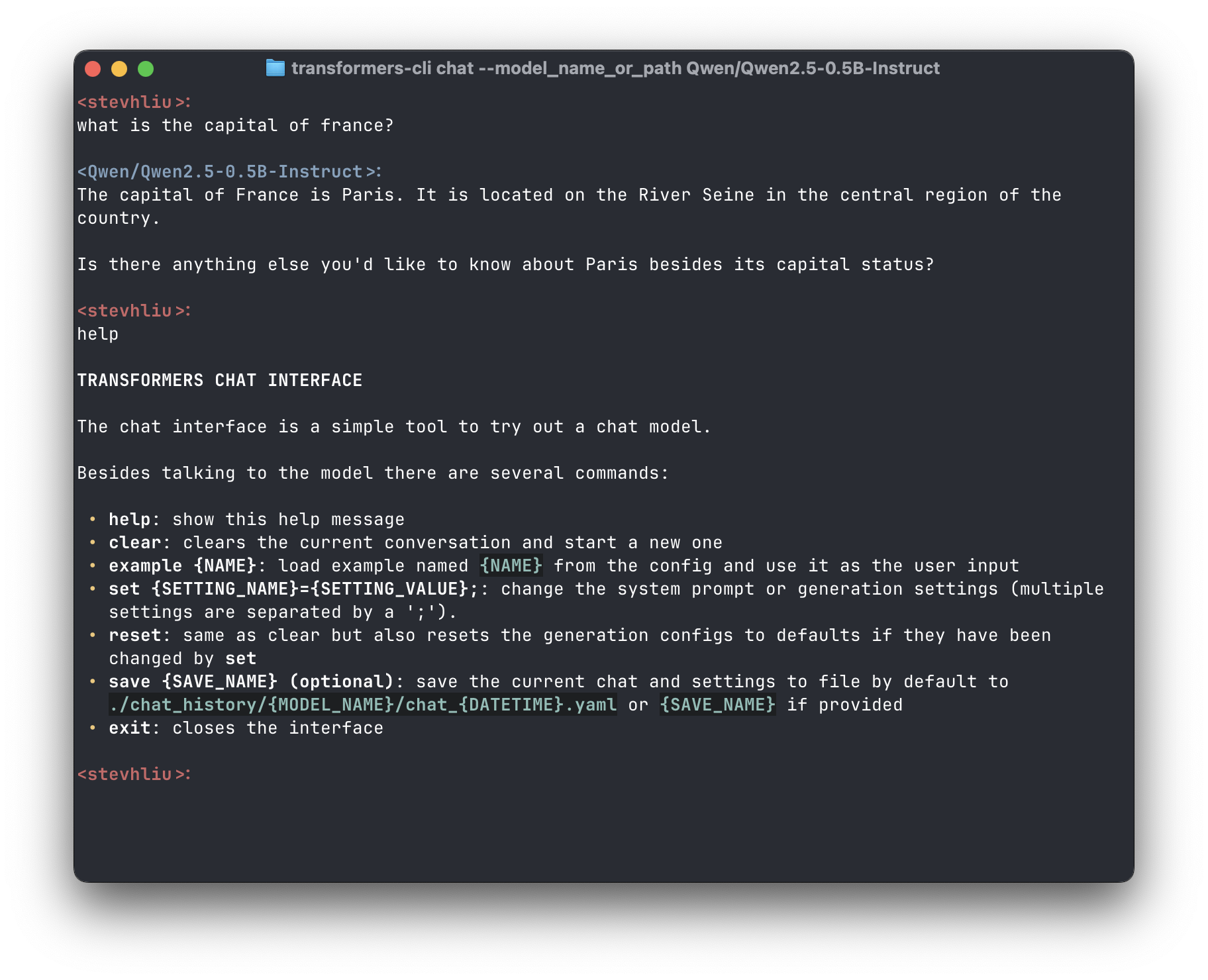
Source: Hugging Face Transformers documentation.
Apply a chat template
from transformers import AutoTokenizer, AutoModelForCausalLM

model_id = "meta-llama/Llama-3.2-1B-Instruct"
tok = AutoTokenizer.from_pretrained(model_id)
model = AutoModelForCausalLM.from_pretrained(model_id, device_map="auto")

messages = [
    {"role": "system", "content": "You are a concise assistant."},
    {"role": "user", "content": "Explain KV cache in one sentence."},
]
prompt = tok.apply_chat_template(messages, tokenize=False, add_generation_prompt=True)
inputs = tok(prompt, return_tensors="pt").to(model.device)
out = model.generate(**inputs, max_new_tokens=128)
print(tok.decode(out[0][inputs["input_ids"].shape[-1]:], skip_special_tokens=True))
Multimodal chat
VLMs embed images/audio in message content lists. See Multimodal chat templates.
Tool use
Hugging Face documents tool schemas, message patterns and response parsing under Tool use. In enterprise agents, validate tool arguments and never execute untrusted calls server-side without allowlists.
Discussion
Comments
Share feedback or questions about this page. No account required.
Loading comments…