Installation
Transformers works with PyTorch. Hugging Face tests it on Python 3.10+ and PyTorch 2.4+.
Adapted for this playbook from the 🤗 Transformers documentation by Hugging Face. Official page: https://huggingface.co/docs/transformers/installation. Images © Hugging Face (
documentation-images) unless noted. This is not a substitute for the upstream docs — verify against the current version.Covers Hugging Face pages: installation
Virtual environment
Prefer uv (fast Rust package manager) or a standard venv/conda environment so projects do not fight over dependencies.
uv venv .env
source .env/bin/activate
uv pip install transformers
With pip:
python -m venv .env
source .env/bin/activate
pip install transformers
GPU acceleration
Install the CUDA build of PyTorch that matches your drivers (PyTorch get started), then confirm the GPU:
nvidia-smi
CPU-only
uv pip install torch --index-url https://download.pytorch.org/whl/cpu
uv pip install transformers
Verify the install
python -c "from transformers import pipeline; print(pipeline('sentiment-analysis')('hugging face is the best'))"
Expect a label and score (for example POSITIVE with a high score).
Source install
Install from GitHub when you need unreleased fixes or to contribute:
uv pip install git+https://github.com/huggingface/transformers
Trade-off: latest code may be less stable than a PyPI release. Report issues on the Transformers GitHub.
Optional extras
Common companion packages (install as needed):
| Package | Role |
|---|---|
accelerate | Device placement, mixed precision, multi-GPU |
datasets | Hub datasets and efficient data loading |
evaluate | Metrics |
peft | LoRA / parameter-efficient fine-tuning |
bitsandbytes | 4-bit / 8-bit loading |
sentencepiece / protobuf | Some tokenizers (T5, etc.) |
torchvision / torchaudio | Vision and audio stacks |
Offline and enterprise notes
- Hub downloads cache under
~/.cache/huggingface/by default — pointHF_HOMEorTRANSFORMERS_CACHEfor shared caches. - Air-gapped installs: pre-download wheels and model folders, then use
local_files_only=Trueonfrom_pretrained. - Authenticate gated models with
huggingface-cli loginorHF_TOKEN.
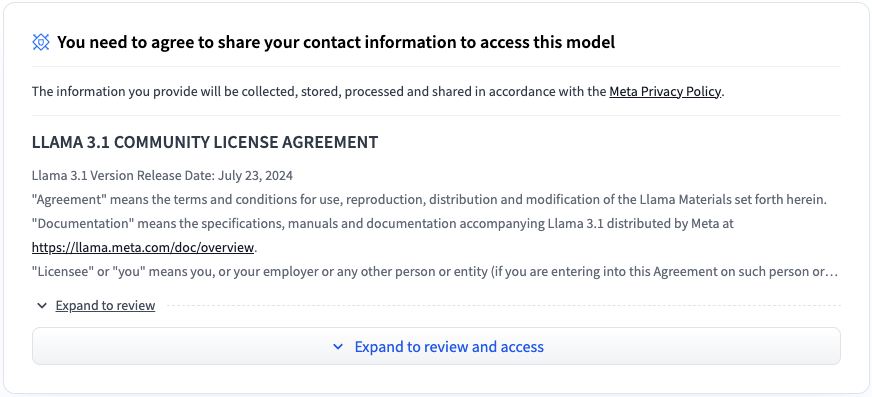
Source: Hugging Face documentation images.
Decision checklist
- Virtual environment active
-
transformersimport succeeds - Sentiment pipeline smoke test passes
- GPU visible (
nvidia-smi) if you expect CUDA
Discussion
Comments
Share feedback or questions about this page. No account required.
Loading comments…