Debugging
A practical toolkit for debugging MCP servers, clients and host configurations.
Adapted from Debugging. Pair with the MCP Inspector.
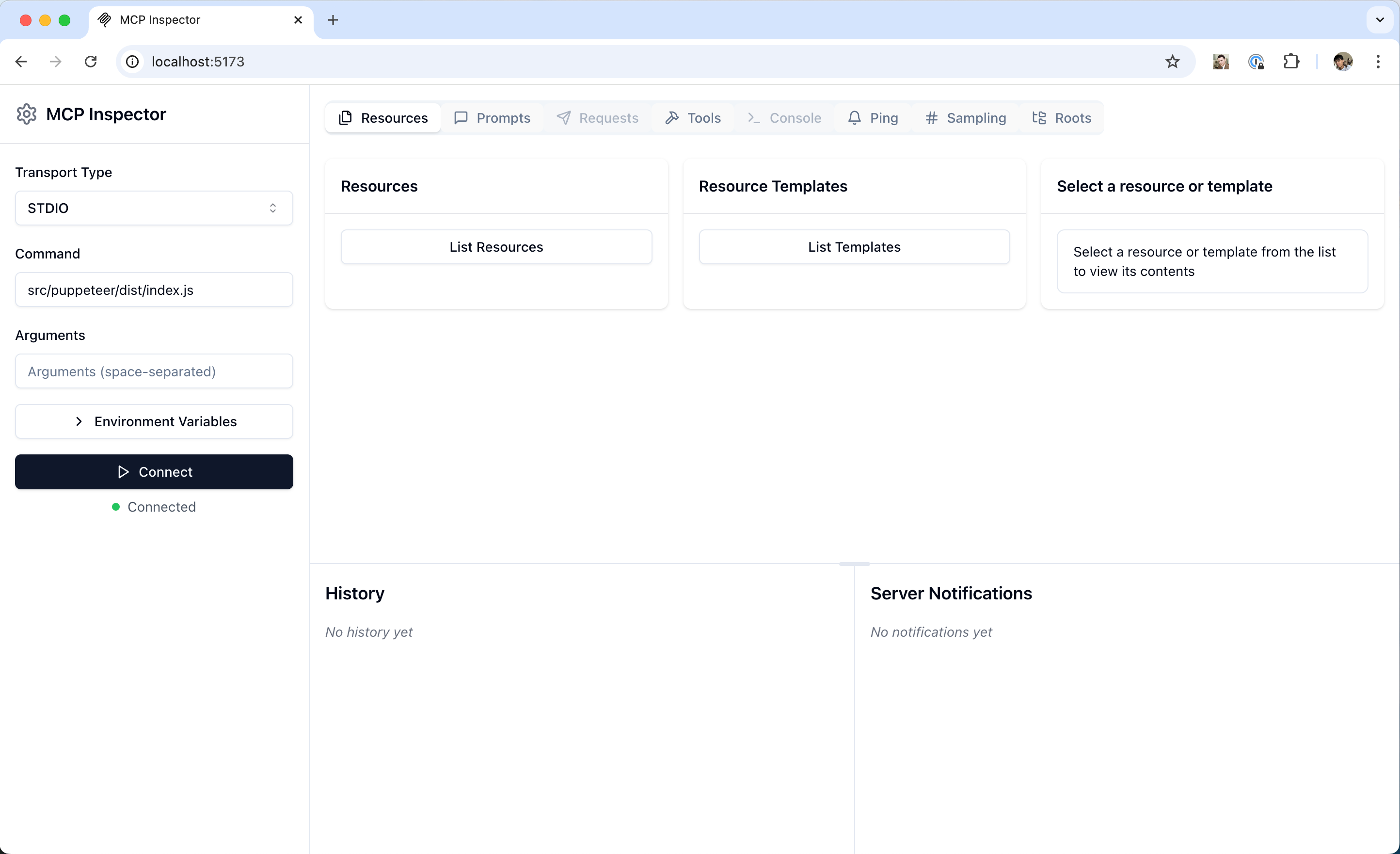
Inspector is usually the first debugging stop. Source: modelcontextprotocol/docs (mcp-inspector.png).
Debugging layers
| Layer | Symptoms | Tools |
|---|---|---|
| Process | Server never starts | Manual CLI run, env checks |
| Transport | Garbled messages / immediate disconnect | Inspector, protocol version header |
| Discovery | Empty capabilities | server/discover, capability flags |
| Tools | Wrong args / runtime errors | Inspector Tools tab, schema review |
| Host config | Server missing from UI | JSON config, absolute paths, restart |
| Auth | 401/403 on remote | Token, OAuth redirect, scopes |
Stdio-specific tips
- Never write logs to stdout — they corrupt JSON-RPC.
- Capture stderr (
mcp-server-NAME.login Claude Desktop). - Reproduce with the exact
command+argsfrom host config.
Remote-specific tips
- Confirm TLS and URL path.
- Check
MCP-Protocol-Versionheader negotiation. - Reproduce with Inspector against the HTTP endpoint.
Workflow
- Reproduce outside the host (CLI / Inspector).
- Fix schema or runtime errors until Inspector calls succeed.
- Reintroduce the host config.
- Confirm approval UX and end-to-end LLM tool use.
- Add regression tests for tool handlers.
Negative cases
- “It works in Inspector but not in the host” → almost always config path, env, or cwd differences.
- Intermittent remote failures → timeouts, load balancer idle limits, token expiry.
- Tool succeeds but model misuses it → improve
descriptionand schema enums, not only code.
Discussion
Comments
Share feedback or questions about this page. No account required.
Loading comments…