MCP Apps
Interactive UI applications that render inside MCP hosts (charts, forms, viewers) — not just text tool results.
Adapted from MCP Apps. Full API: apps.extensions.modelcontextprotocol.io. Build guide: Build an MCP App.
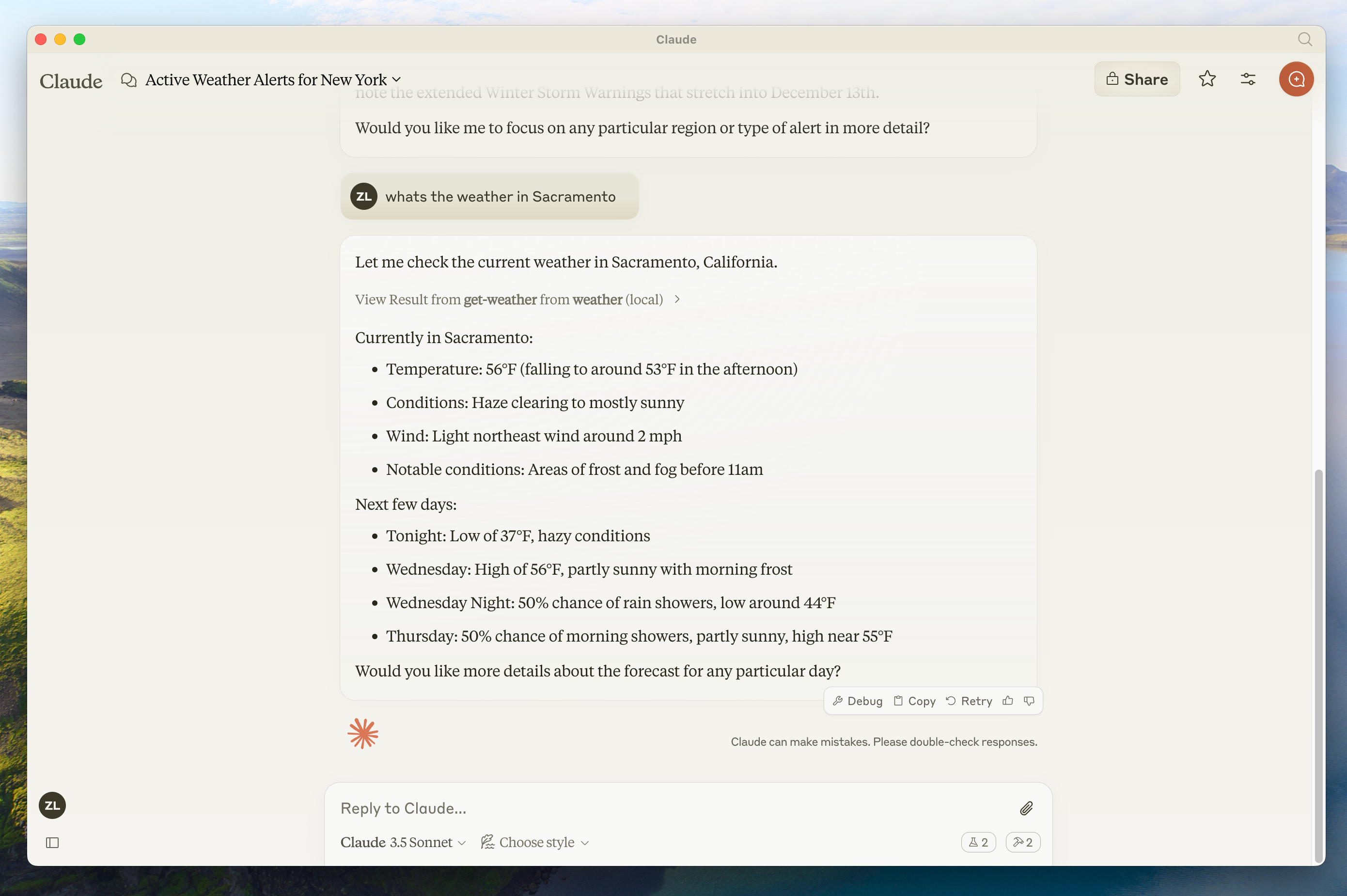
Hosts can render rich, interactive results inline. Source: modelcontextprotocol/docs.
Why not a normal web app?
| Advantage | Meaning |
|---|---|
| Context preservation | UI lives in the conversation |
| Bidirectional data | App ↔ host ↔ MCP tools without a separate API stack |
| Host capabilities | Delegate actions through the user’s existing connectors (with consent) |
| Security | Sandboxed iframe; host-enforced CSP and permissions |
How it works
- Tool description includes
_meta.ui.resourceUripointing at aui://resource. - Host may preload the UI (including streaming inputs).
- Host fetches HTML/JS/CSS (and allowed external origins via CSP metadata).
- UI renders in a sandboxed iframe.
- App and host talk MCP-like JSON-RPC (
ui/initialize,tools/call, …) overpostMessage.
Good fit
- Exploring complex data (maps, heatmaps)
- Multi-option configuration forms
- Rich media viewers (PDF, 3D, video)
- Real-time dashboards
- Multi-step approval workflows
Security model
Sandbox blocks parent DOM, cookies, navigation and parent script execution. Hosts decide which tools and capabilities the app may use.
Client support
Support varies — Claude, Claude Desktop, VS Code Copilot, Microsoft 365 Copilot, Goose, Postman, MCPJam, Archestra.AI and others. Check the client matrix.
Examples and starters (React, Vue, Svelte, …): ext-apps examples.
Negative cases
- Building Apps when a link to an existing portal is enough → unnecessary complexity.
- Requesting camera/mic without need → reduce permissions.
- Assuming all hosts render Apps → always provide meaningful text fallbacks.
Discussion
Comments
Share feedback or questions about this page. No account required.
Loading comments…