Connect to remote MCP servers
Learn how to connect Claude and other hosts to remote MCP servers for cloud-hosted tools and data sources.
Adapted from Connect to remote MCP Servers.
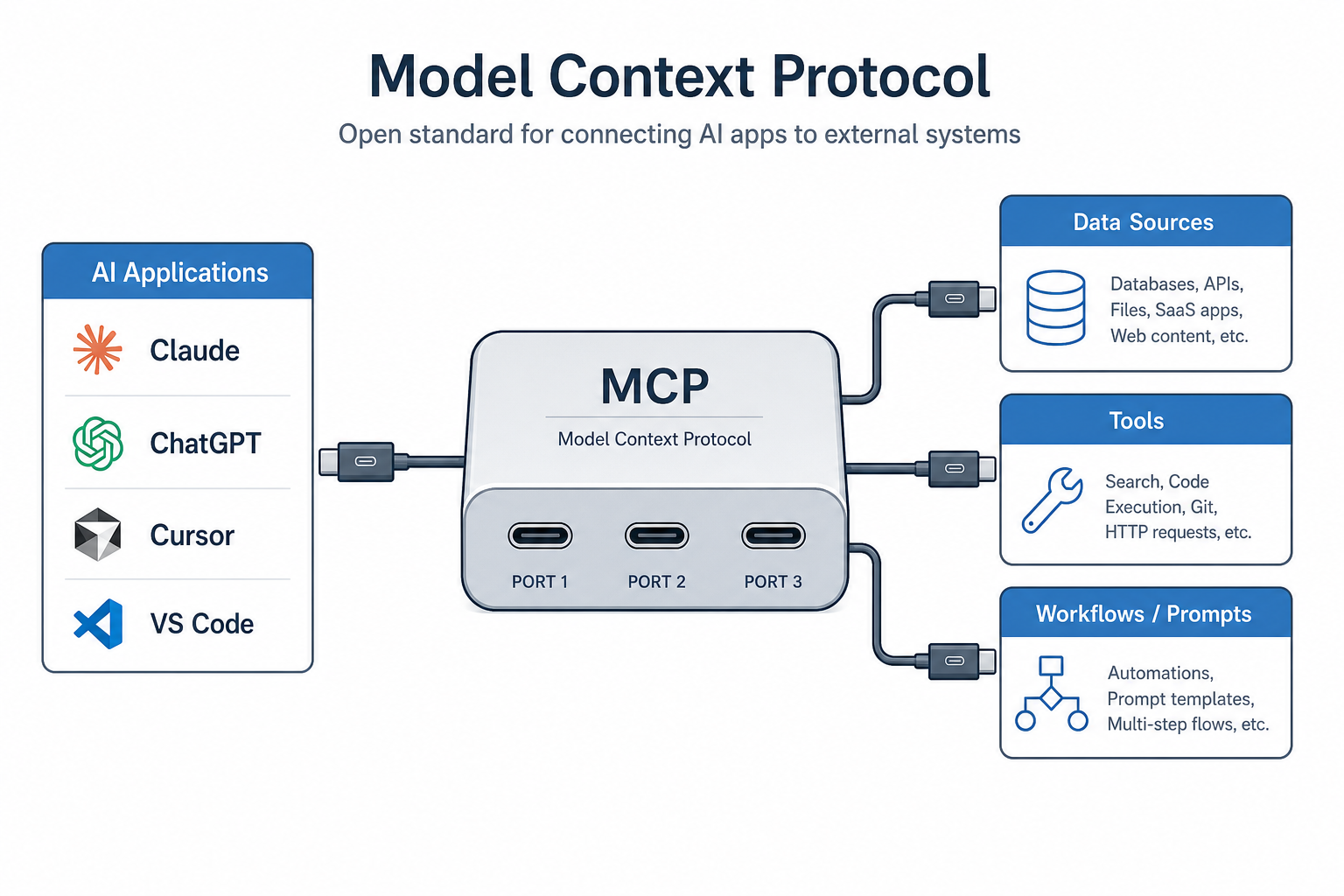
Remote servers expose the same MCP primitives over the network transport.
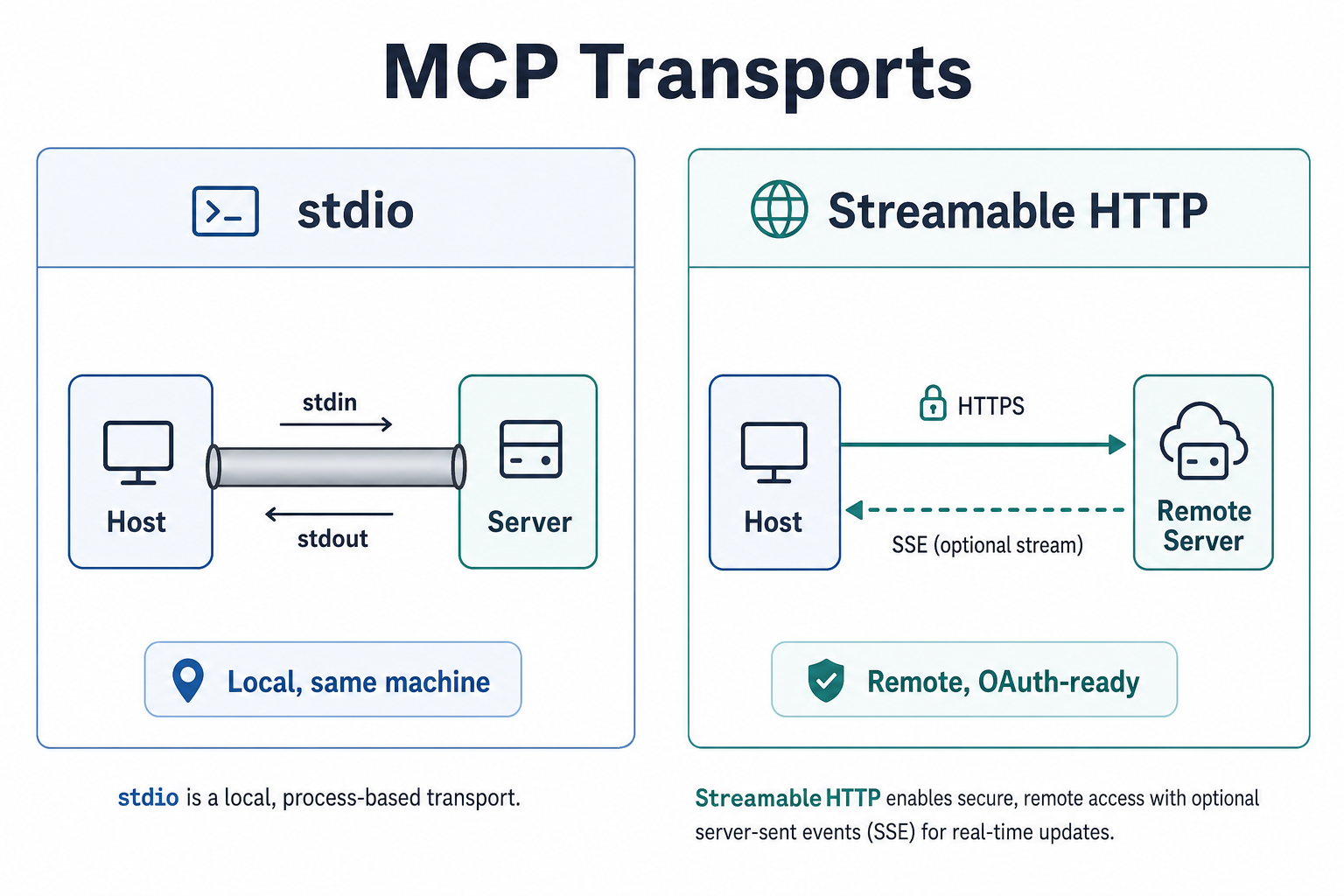
Remote deployments typically use Streamable HTTP (often with OAuth).
Local vs remote
| Local (stdio) | Remote (Streamable HTTP) | |
|---|---|---|
| Process | Child of the host | Independent service |
| Auth | OS user identity | OAuth / tokens / enterprise IdP |
| Multi-user | One user machine | Many clients |
| Ops | Host restarts the process | Deploy, scale, observe as a service |
Connection pattern
- Obtain the server URL from the provider or Registry.
- Configure the host with the remote connector (URL + auth).
- Complete OAuth / token consent if required.
- Discover capabilities and approve tools as usual.
Exact UI steps differ by host — follow the official remote servers guide for Claude-specific screenshots.
Security baseline for remote servers
- Implement Authorization (OAuth 2.1 patterns).
- Apply Security best practices (confused deputy, token passthrough, prompt injection via tool output).
- Prefer least-privilege scopes; rotate credentials.
- Do not expose MCP ports on the public internet without authn/authz and TLS.
Negative cases
| Failure | Mitigation |
|---|---|
| Open HTTP MCP without auth | Require OAuth or network controls |
| Long-lived bearer tokens in client config files | Use proper token storage / refresh |
| Trusting tool output as system instructions | Sanitize; separate untrusted content |
| No timeouts on remote calls | Bound requests; show progress |
When to choose remote
- Shared team tools (issue trackers, SaaS admin APIs)
- Data that must not leave a controlled VPC (still remote to the laptop, private to the network)
- Servers maintained by a platform team rather than each developer’s laptop
Discussion
Comments
Share feedback or questions about this page. No account required.
Loading comments…