Build an MCP client
Build your own client that can integrate with MCP servers — the foundation of a custom MCP host.
Adapted from the official Build an MCP client tutorial (multi-language). Use the upstream page for complete sample apps.
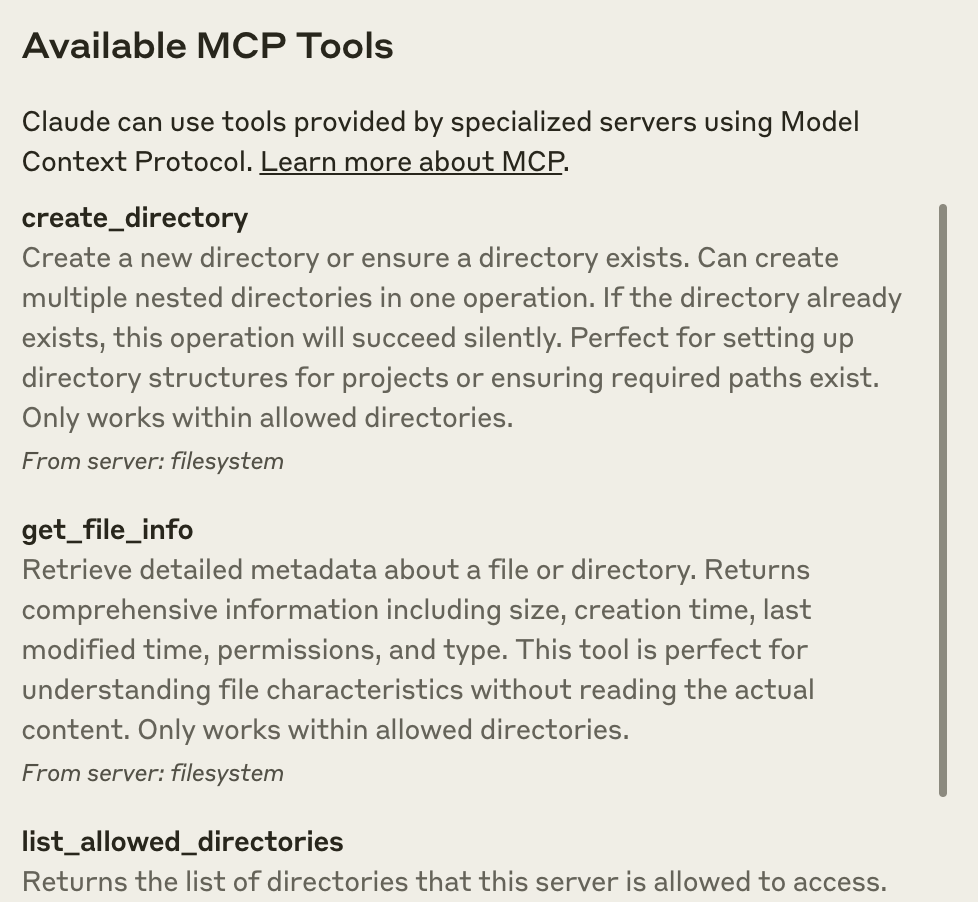
Hosts expose discovered tools to the model loop. Source: modelcontextprotocol/docs.
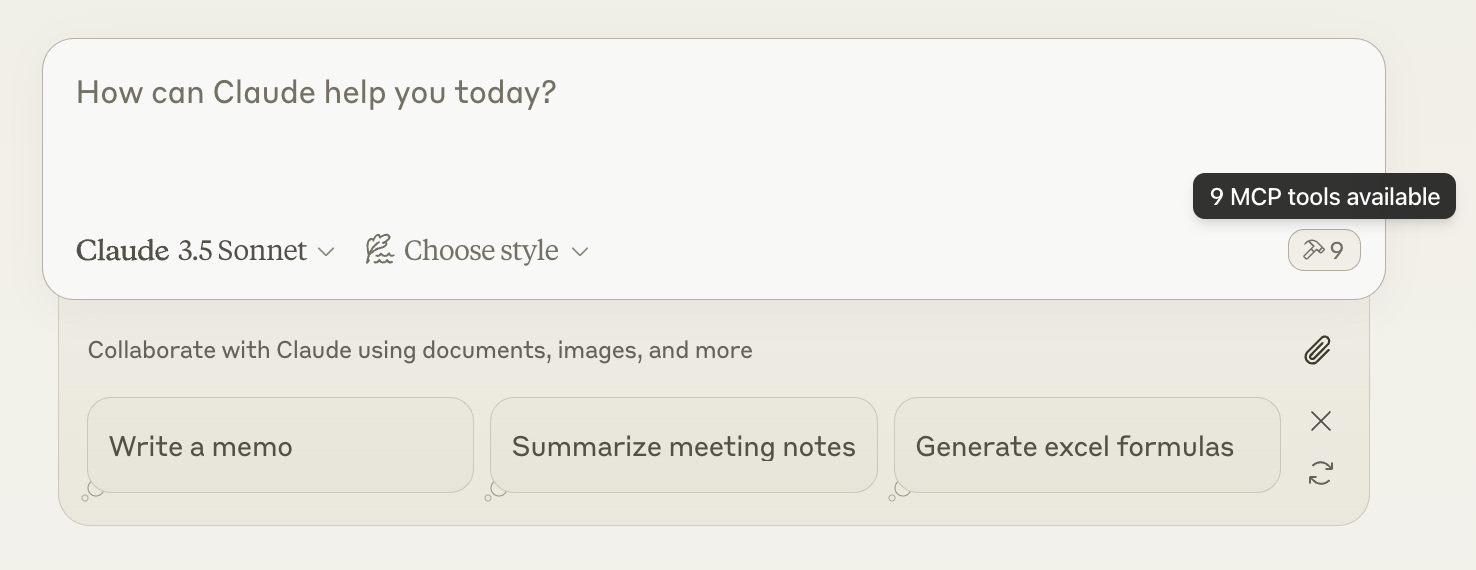
Source: modelcontextprotocol/docs (quickstart-hammer.png).
Responsibilities of a client
- Transport — spawn/connect to the server (stdio command or HTTP URL).
- Discovery —
server/discover(or compatible handshake on older revisions). - Capability use —
tools/list/tools/call, resources, prompts. - Host UX — approval prompts, elicitation forms, error surfaces.
- Lifecycle — restart crashed stdio processes; refresh tool lists on notification.
Typical agent loop (simplified)
User message
  → Host adds system + tool schemas from MCP tools/list
  → LLM may request tool_use
  → Client tools/call on the matching server
  → Tool result returned to LLM
  → Repeat until final answer
Implementation tips
| Topic | Guidance |
|---|---|
| Process management | Keep stdio child stderr for logs; never parse stdout as logs |
| Timeouts | Bound every tools/call; cancel where supported |
| Multi-server | One client instance per server; aggregate tools with server-qualified names |
| Security | Do not auto-approve destructive tools; scope env vars per server |
| Versioning | Send protocolVersion in _meta; handle unsupported-version errors |
Negative cases
- Aggregating duplicate tool names from two servers without namespacing → ambiguous calls.
- Blocking the UI thread on long tool calls → use async + progress/cancellation.
- Swallowing transport errors → show “server disconnected” and offer reconnect.
- Passing the entire conversation history into every tool → over-share; send only needed args.
See also Client best practices for scaling hosts across many servers.
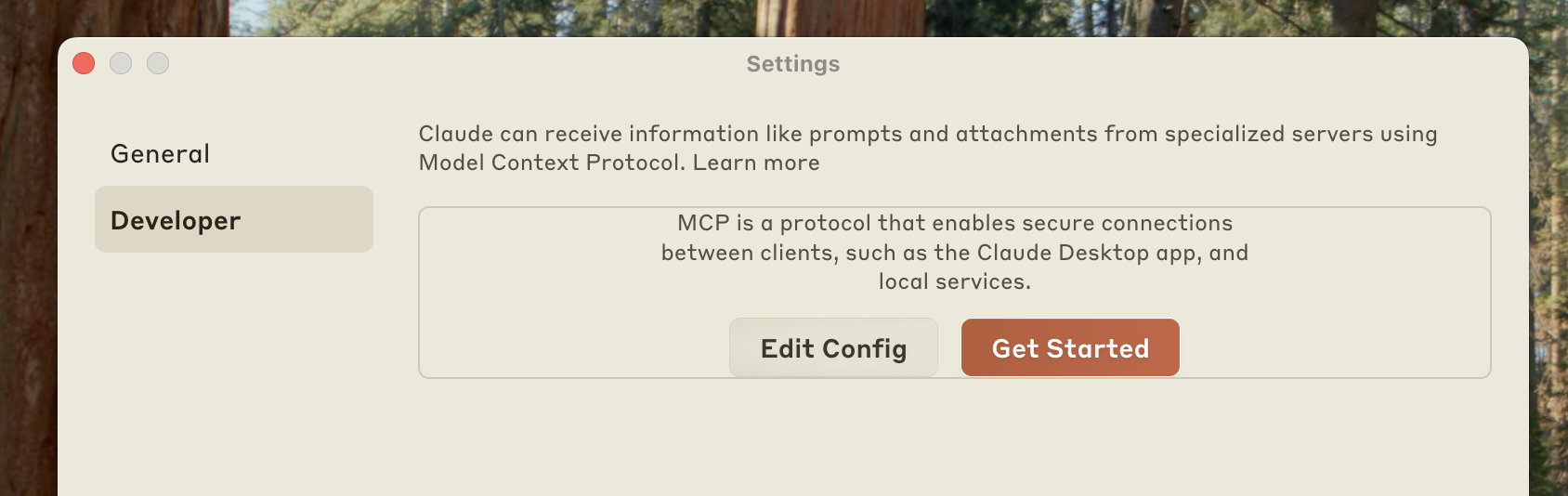
Example developer configuration surface. Source: modelcontextprotocol/docs.
Discussion
Comments
Share feedback or questions about this page. No account required.
Loading comments…